Lego Minecraft 21596 Evoker Village Attack
Lego Minecraft 21596 Evoker Village Attack

Collections: 500-999 Pieces, All Lego, June Lego Releases, Lego, Minecraft,
SKU: LEGO-21596
3+ in stock
Also In This Range

Collections: 500-999 Pieces, All Lego, June Lego Releases, Lego, Minecraft,
SKU: LEGO-21596
3+ in stock
Also In This Range
| Description |
| Price |
| Vendor |
| Type |
| Product variants |

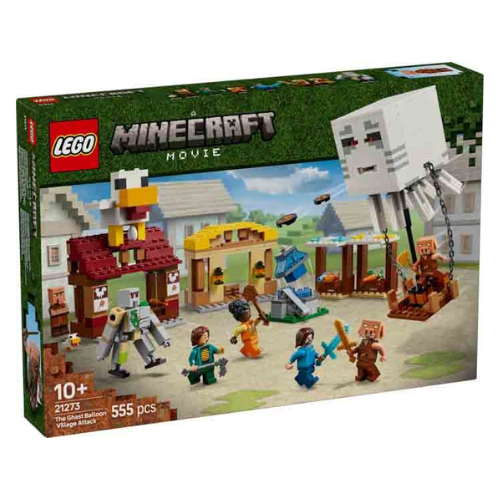
| Put gaming action into kids’ hands with this LEGO® Minecraft® playset. The Evoker Village Attack (21596) building toy makes a fun gift idea for boys, girls and gamers ages 9 and up. With 11 figures, 3 locations and lots of accessories, this Minecraft merch has everything kids need for endless imaginative play, while also doubling as cool decor for their bedroom. Fans will have lots of fun creating their own stories with a mason villager, librarian villager, evoker, iron golem, Racoon Adventurer, Undying Protector, 3 vexes, a sheep and a cat. Discover a mason’s house with a stone cutter and block of clay, plus an animal pen with a hay bale attached to the side; a library with a bed, lectern and bookshelves, plus a garden with carrots, beetroot and wheat; and a meeting point with a bell. Team up using Build Together mode in the LEGO Builder app and redeem a bonus feature: an evoker hooded mantle and vex plumed wings that can be downloaded into the Minecraft game. Set contains 607 pieces. BUILD A MINECRAFT® VILLAGE – This Evoker Village Attack (21596) building set has everything kids need to bring gaming action to life and enjoy endless imaginative adventures
| Regular price
€79,73
Regular price
| Lego | Lego |
3+ in stock