Collections: 1-4 Players, 20-30 Minutes, Expansions, Horrible Guild, Tile Placement, Trains
SKU: ZHG-HG258
Out of stock
You May Also Like

Collections: 1-4 Players, 20-30 Minutes, Expansions, Horrible Guild, Tile Placement, Trains
SKU: ZHG-HG258
Out of stock
You May Also Like
| Description |
| Price |
| Vendor |
| Type |
| Product variants |

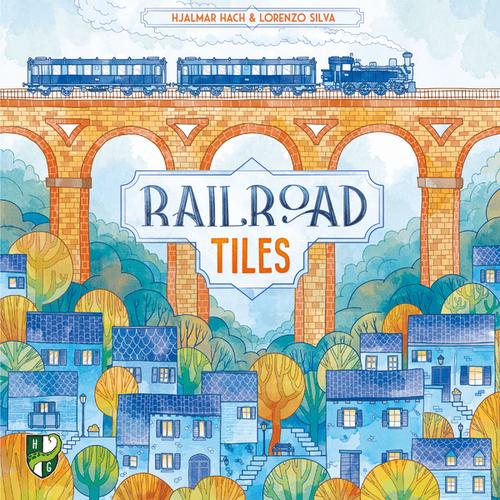
| Introducing the World Expansion, a complimentary add-on for backers of this campaign, designed to enhance your gaming experience. This expansion can be seamlessly integrated with the core game and other expansions, offering new Objective tiles and Special pawns. The new Objectives in the World Expansion are similar to those in the core game, providing additional scoring conditions for players to strategize. Simply select 3 Objectives at the start of the game and place them strategically on the Station board when the Placement token with a flag is revealed. For example, the Observatory Objective requires placement in a column or row with at least 6 tiles. Special pawns, such as the Mechanic and Bus pawn, bring unique abilities to the game. Each pawn is associated with a specific type (Cars, Trains, or Travelers) and offers bonus points for strategic placement. To use a Special pawn, players must have at least 2 pawns of the same type already in play. Expand your gameplay with the versatile World Expansion, compatible with the core game and other expansions. Enhance your strategy with new Objectives and Special pawns for a dynamic gaming experience. | Regular price
€18,54
Regular price
| Horrible Guild | Board Games |
Out of stock