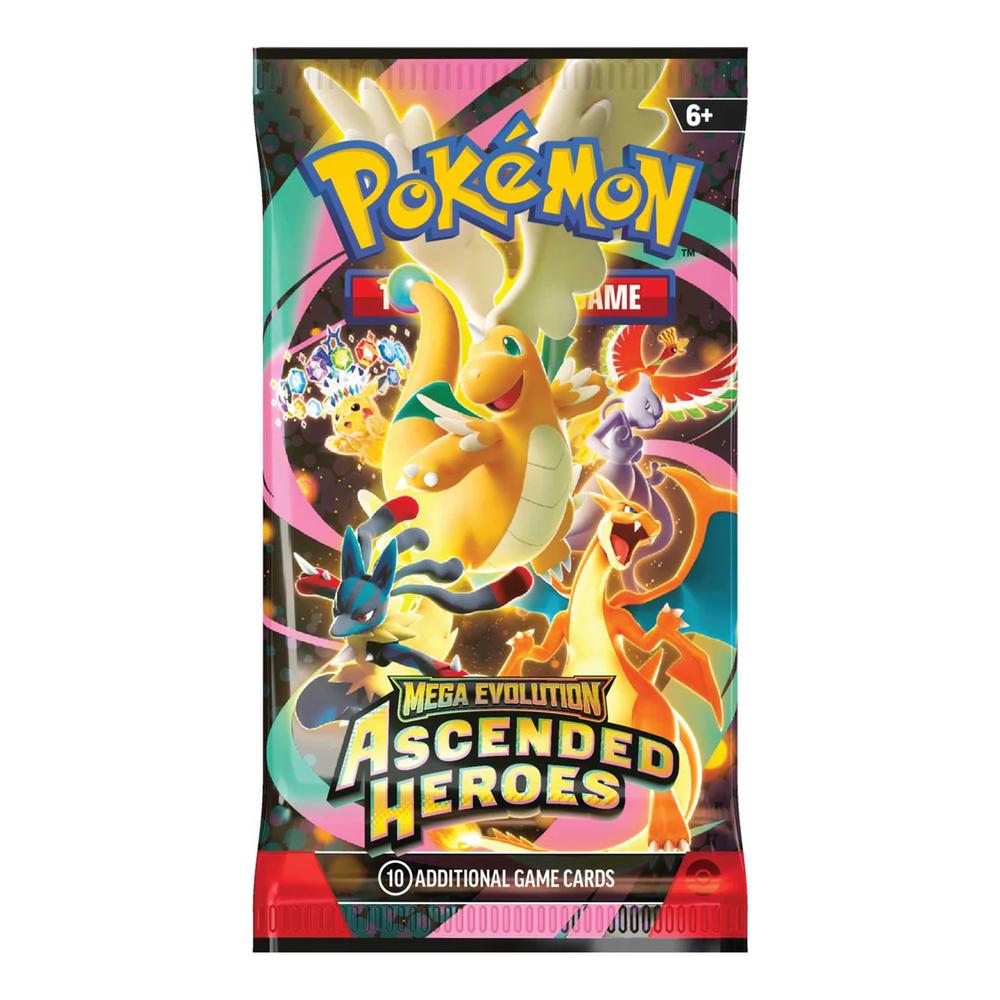
Back It up. Now bring it down. Lower. Down to the floor. Now wiggle it all around. Now get out your Wallet and buy the all-new Ass pack, containing 30 cards co-written with Visionary Ass connoisseur Sir mix-a-lot.
Choosing a selection results in a full page refresh.
Opens in a new window.
PayPal Pay Later Messaging
Step 1: Choose message placement
Click the button below and then hover over your page to select a placement.
Step 2: Paste and save
You have copied the placement for the Product Page.
Go back to the App Embeds section, and in the Paypal Advanced Settings, paste the copied value into the
Product Page field and click the 'Save' button in the top right corner.