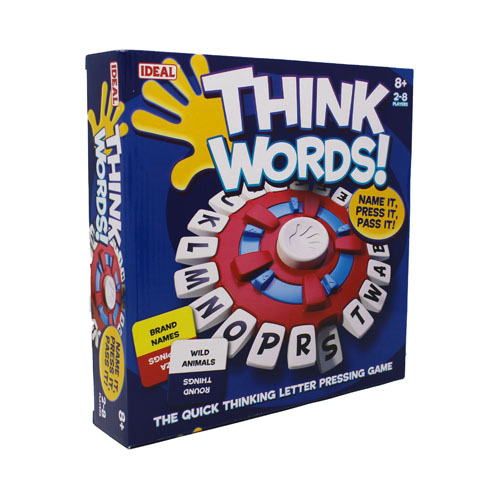
The articulate team has knocked it out of the park again. Cooperate is An all-or-nothing team game in which you must predict - in 30 brief Seconds - how many words your team will shout out that meet the Cooperate card challenge. A soon as you have predicted your score turn the timer again and You're off for another 30 seconds to actually shout out the predicted Number of words - but if you don't reach that number you score Nothing.
There are four kinds of challenge:
List play - your team calls out 'things' that meet the challenge on The card like capital cities or girls' names.
Describe play - team members describe 'things' from the category on The card like fruits or sports.
Word play - team members come up with words that meet the card Challenge for example "words beginning with f and ending in t"
Link play - team members call out words that are linked to the last Player's word, for example "an object that is taller than the previous Player's object . With this challenge you would start with something Really small - like a pea!